
 Facebook
 Twitter
 LinkedIn

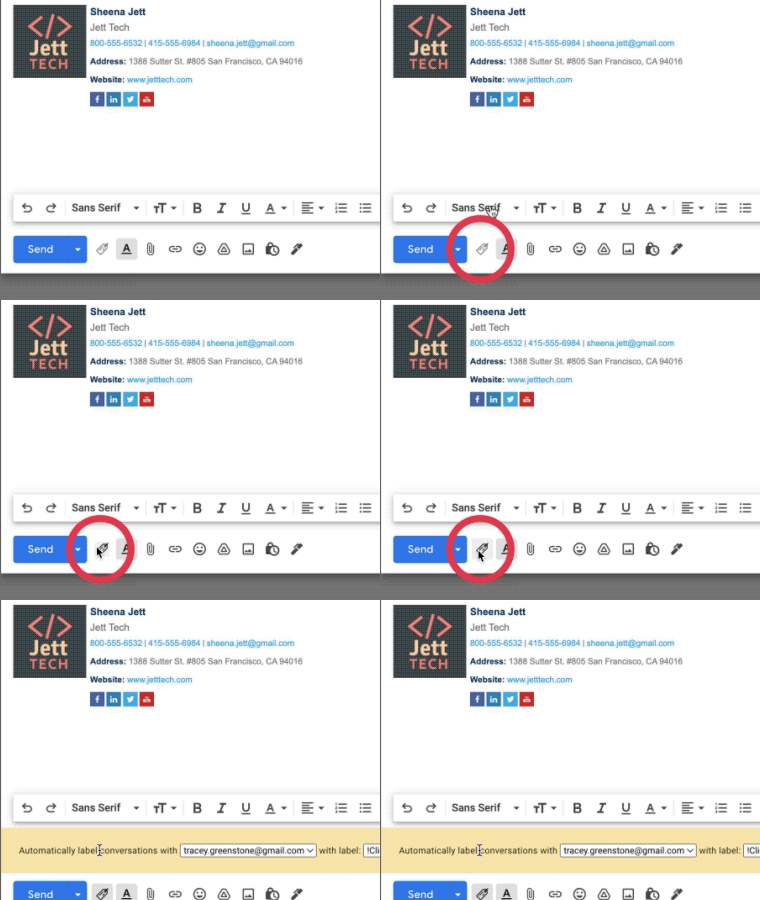
Fully Integrated With Gmail
Gmail Auto Label by cloudHQ is fully integrated with your Gmail inbox. You don’t have to download anything to your hard drive. Everything works directly within Gmail.
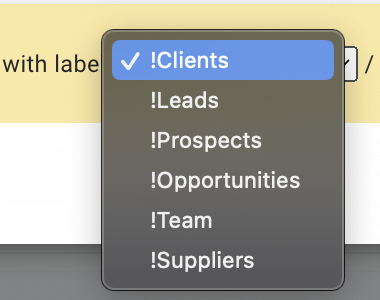
Label Your Emails into 6 Categories
You’ll be able to label your emails into 6 categories:
- Clients
- Leads
- Opportunities
- Prospects
- Team
- Suppliers
Easily Categorizes All Emails From One Person or Domain
You’ll be able to automatically label any emails coming from a certain person or domain. This helps you find emails that you need quickly, and lets you stay on top of anything thrown your way.
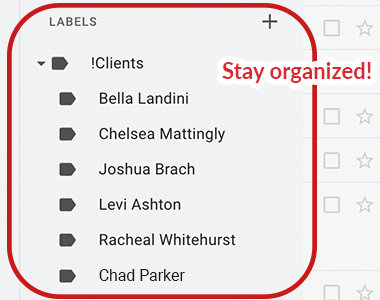
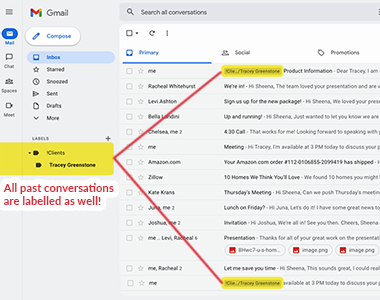
Labels All Past Emails Too
Getting all of your incoming emails organized with a filter and labeled is one thing, but getting all of your past emails organized is on another level; and just what we do. When you auto-label emails from an email address or a domain, all your past conversations that match that email address or domain will also get labeled. You will never be looking for another email again.
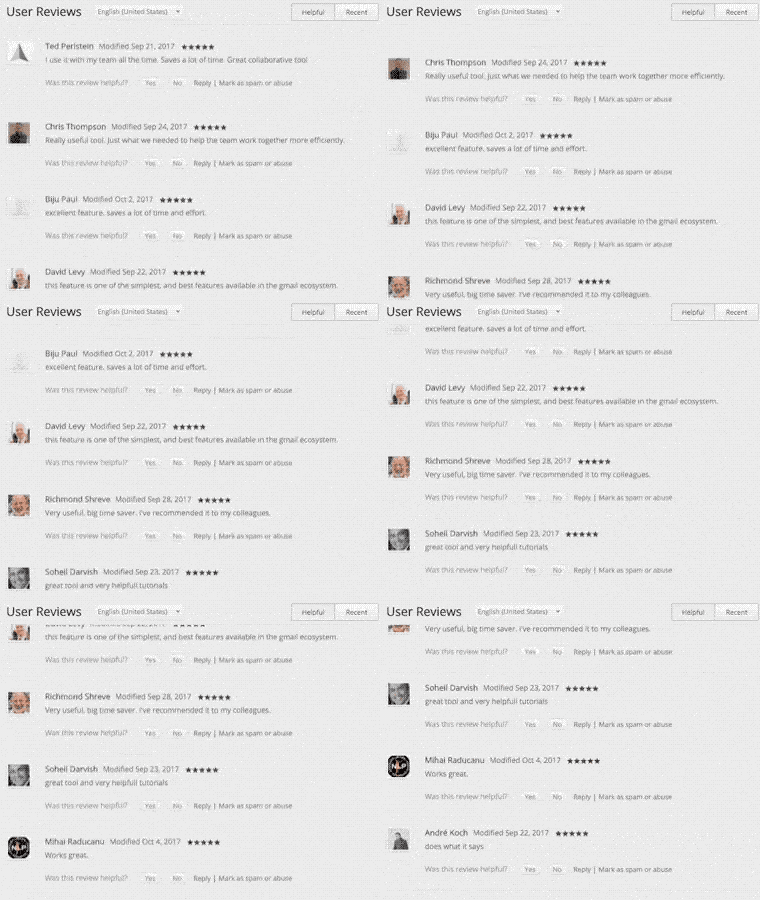
Near Universal 5-Star Ratings
Gmail Auto Label by cloudHQ has almost universal 5-Star ratings from users who’ve downloaded it in Chrome
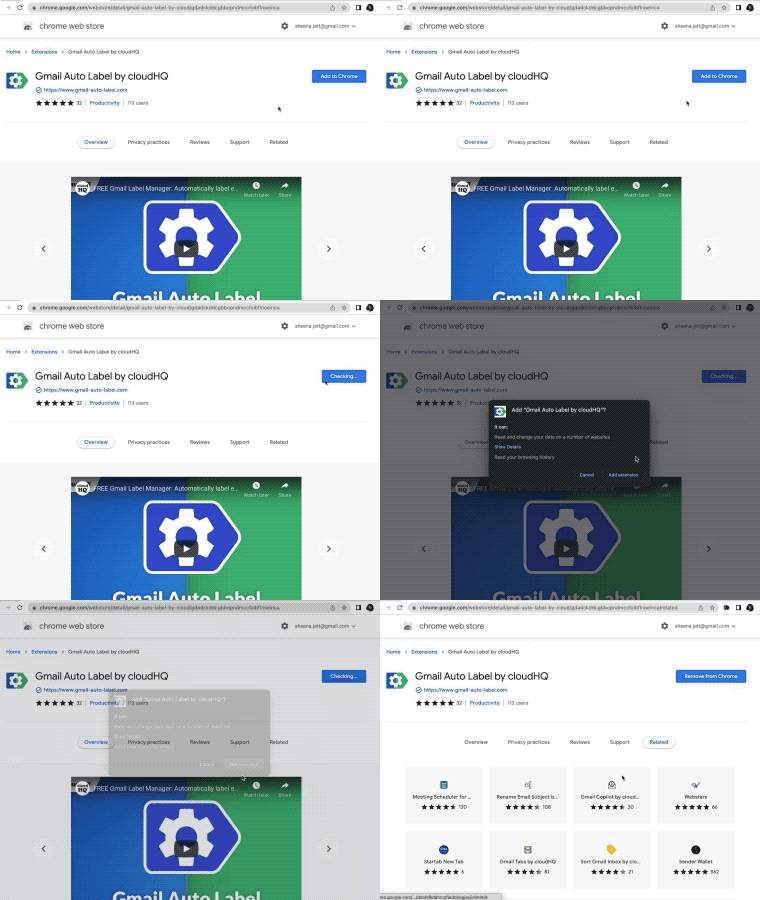
Installs in Seconds
Install Gmail Auto Label by cloudHQ from the Chrome Web Store. Once installed, the app will seamlessly integrate into your Gmail or G Suite email account.